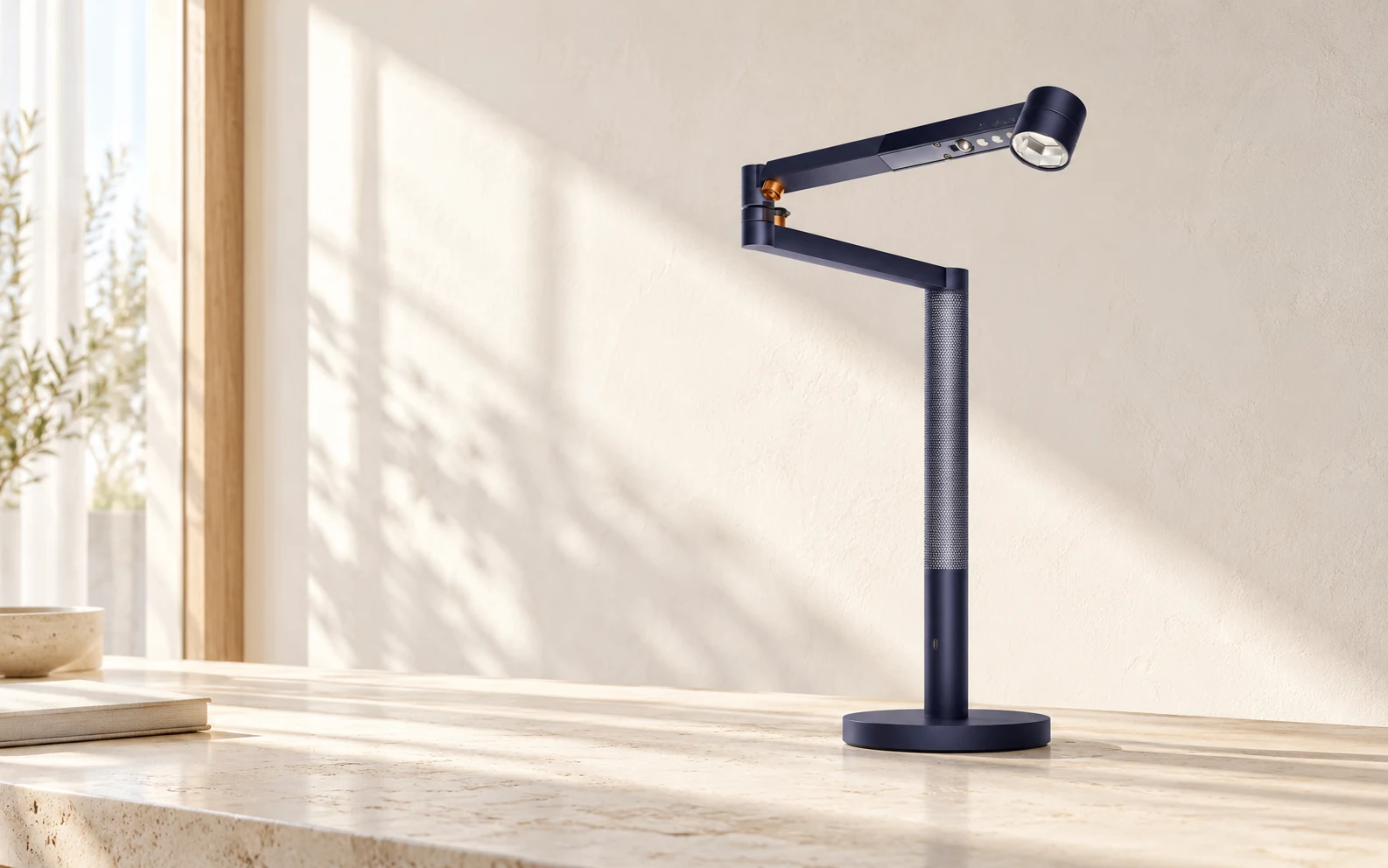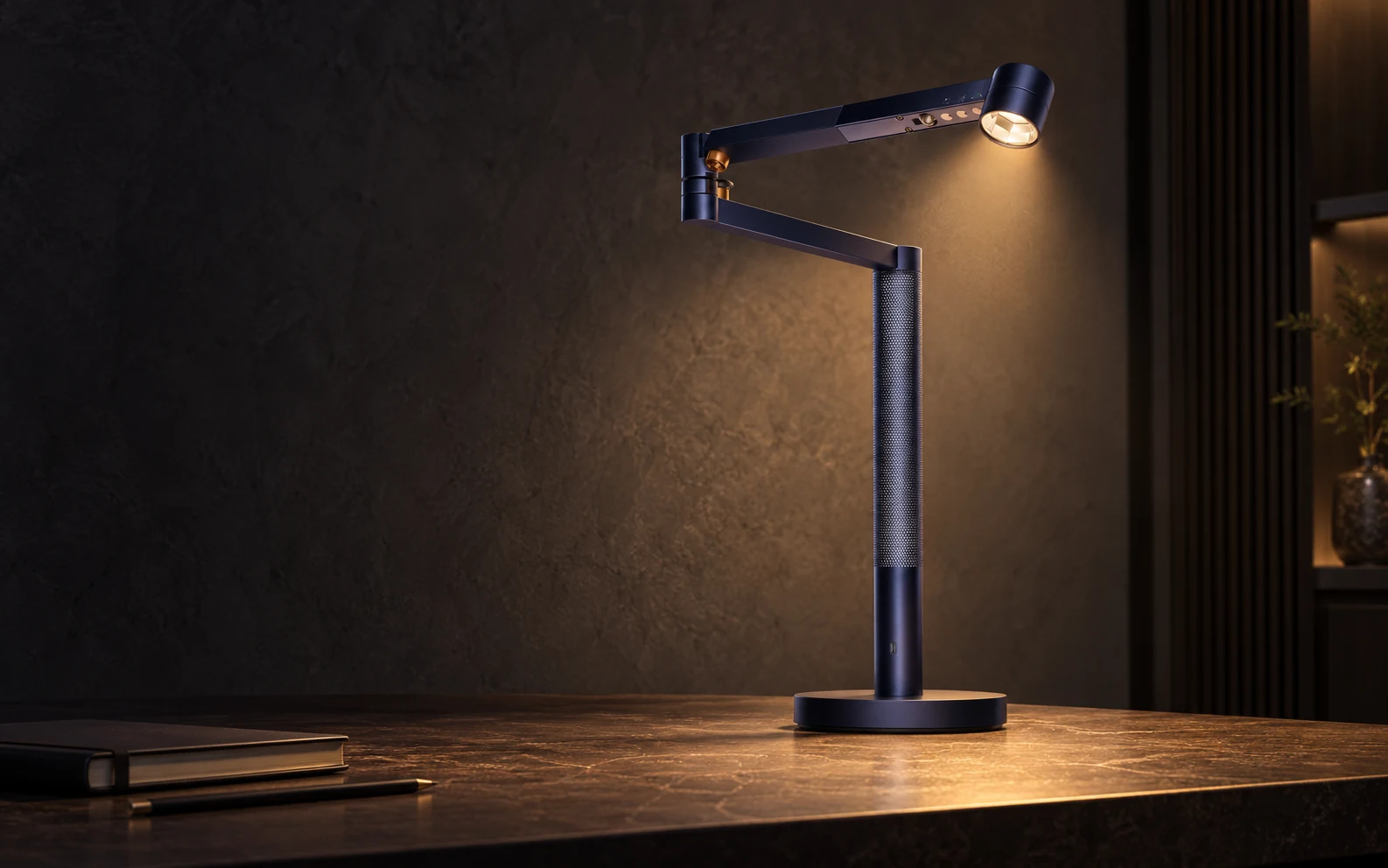
The essentials, in reach.
Power, brightness and colour temperature. A native menu bar panel, without an extra launcher or a second background app.
Morph Control brings your Solarcycle Morph to your Mac’s menu bar. Precise working light. A warmer evening. One click away.
Solarcycle Morph desk lamp required · Apple silicon · macOS 13+
An exceptional lamp deserves an equally considered way to control it. Morph Control gives your light a quiet place on your Mac. There when you need it. Out of the way when you don’t.
Clear white for a clear mind. A warmer glow when the day slows down. See how a small adjustment changes the atmosphere.
Interactive illustration · does not control a lamp
A small panel. Exactly the controls that matter, right when you need them.
This preview changes the illustration only. It does not connect to a lamp.
Power, brightness and colour temperature. A native menu bar panel, without an extra launcher or a second background app.
Return to daylight tracking and automatic brightness together. Keep the individual options and motion detection within reach.
Morph and Party vary brightness and warm-to-cool white light. Stop keeps the current light; return to automatic lighting whenever you like.
Settle into focused work, then ease into your evening. Move between your own lighting and daylight tracking — directly from your menu bar.
Morph Control will be free. The Mac App Store release is being prepared; the app is not available there yet. We are taking care of localisation, distribution signing and review.
Questions? Get in touchA Dyson Solarcycle Morph desk lamp must already be registered in MyDyson. Internet is required for initial setup; everyday control then works locally.
Version 1 is designed for one Dyson Solarcycle Morph desk lamp. Other models and Intel Macs are not currently listed as supported.
Morph Control itself includes everything needed for Mac control. Your lamp must first be registered in MyDyson. There is no need for Raycast, Node.js, a terminal or a separate hub.
Yes. Use Release connection in Morph Control before switching to MyDyson. The lamp accepts one active control session at a time.
An optional setting turns the light on at app startup and wake, and attempts to turn it off before sleep or shutdown using an existing connection. macOS can interrupt a command during sleep; this is best-effort behaviour.
No. Morph Control is an independent project by Sascha Eisner / E1NSER. There is no confirmed partnership with or endorsement by Dyson.